Product Quality, UX Polish & E2E Test Results
Beast Computer distills a complex AI workspace into three steps:
After OAuth, the computer auto-starts. The user never sees internal state names like "created" or "stopped".
Every user journey tested with chromedp headless browser against the live server on triassic-4:9100. Data uses real team names and realistic agent configurations.
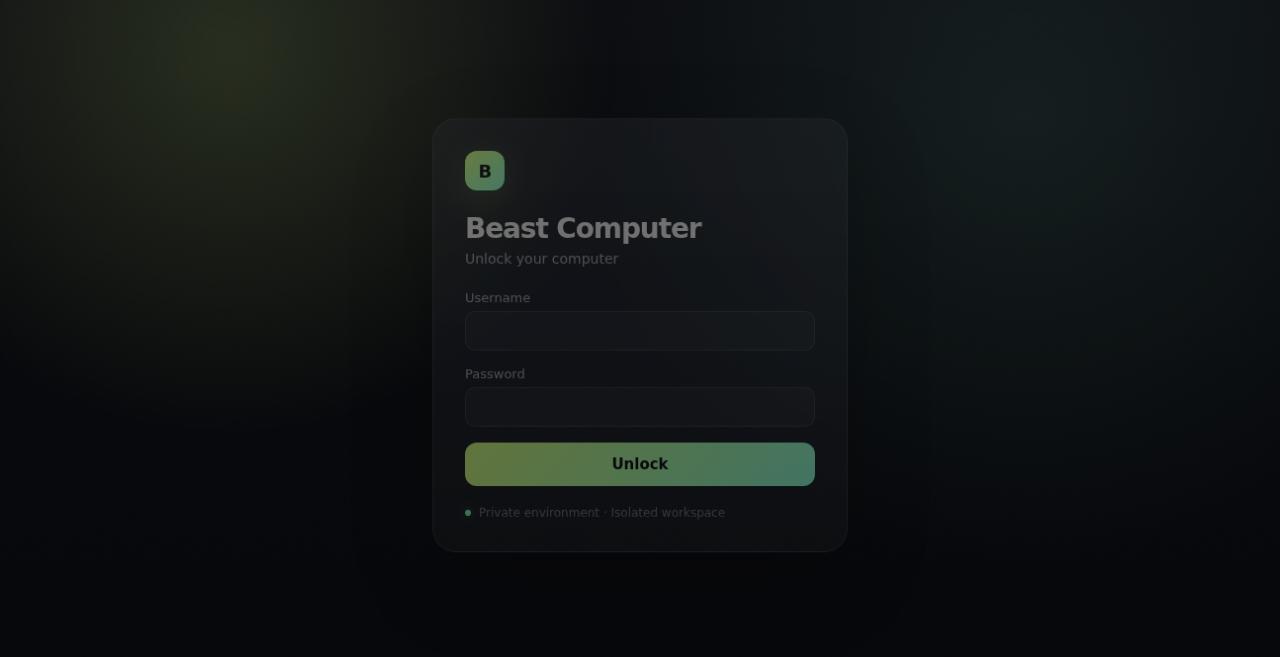
Login → Dashboard → See status pill → Connect Claude flow
| Test | Status | Duration |
|---|---|---|
| LoginPageRenders | Pass | 0.7s |
| WrongCredentials | Pass | 2.6s |
| CorrectLogin | Pass | 3.7s |
| DashboardOnboarding | Pass | 5.8s |
| ConnectClaude | Pass | 5.5s |
| StatusPill | Pass | 7.8s |
| JourneyNewUserOnboarding | Pass | 6.0s |
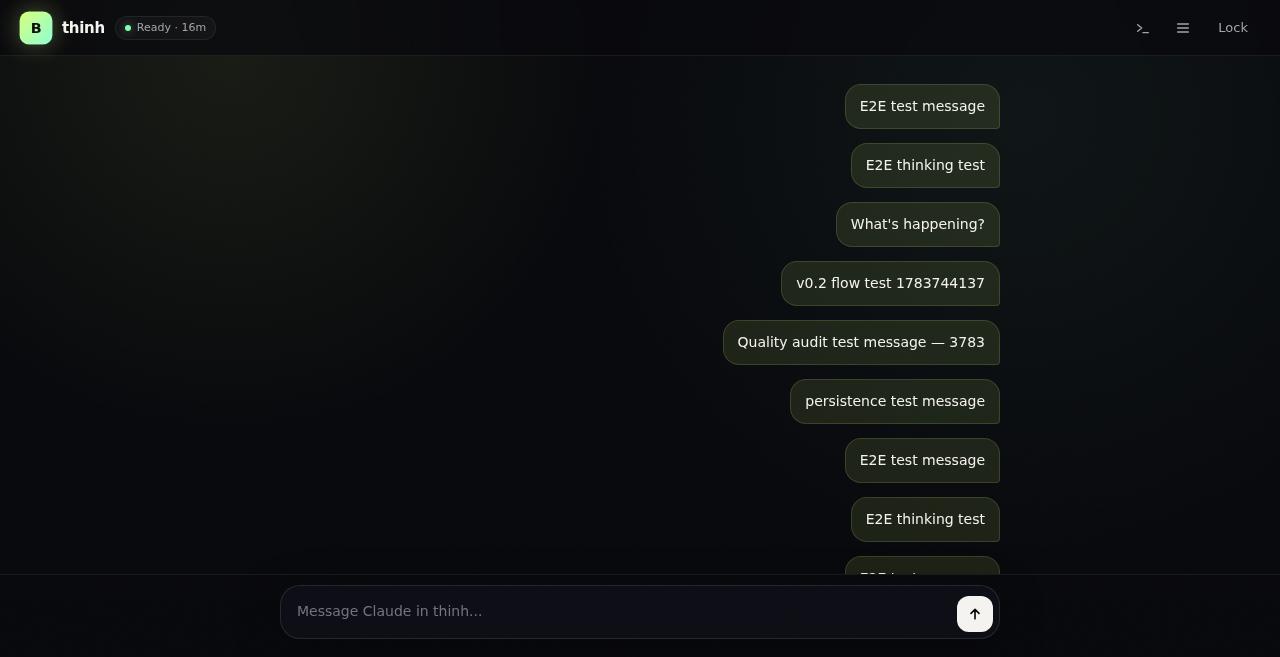
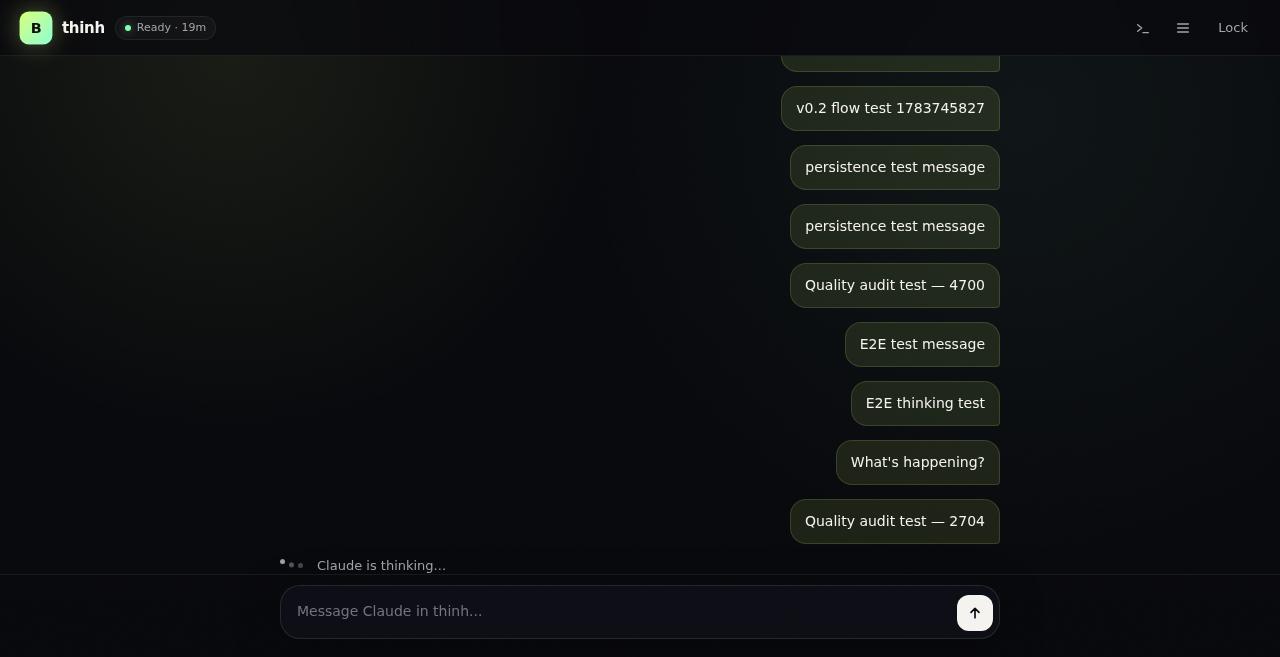
Send message → See typing dots → Receive response via SSE → Prompt chips → Persistence
| Test | Status | Duration |
|---|---|---|
| ChatForm | Pass | 6.8s |
| ChatSubmit | Pass | 9.3s |
| PromptChipInput | Pass | 7.2s |
| ChatThinkingIndicator | Pass | 9.3s |
| ChatResponseAppears | Pass | 7.8s |
| ChatMessagesEndpoint | Pass | 7.8s |
| ChatHistoryOnLoad | Pass | 6.8s |
| V02_EmptyChatExperience | Pass | 6.0s |
| V02_ChipToTypingDots | Pass | 10.1s |
| V02_SSEChatDelivery | Pass | 7.1s |
| V02_FileCardsInChat | Pass | 6.9s |
| V02_ChatSendFlow | Pass | 8.3s |
| V02_ChatPersistence | Pass | 16.3s |
| JourneyChatRoundTrip | Pass | 11.3s |
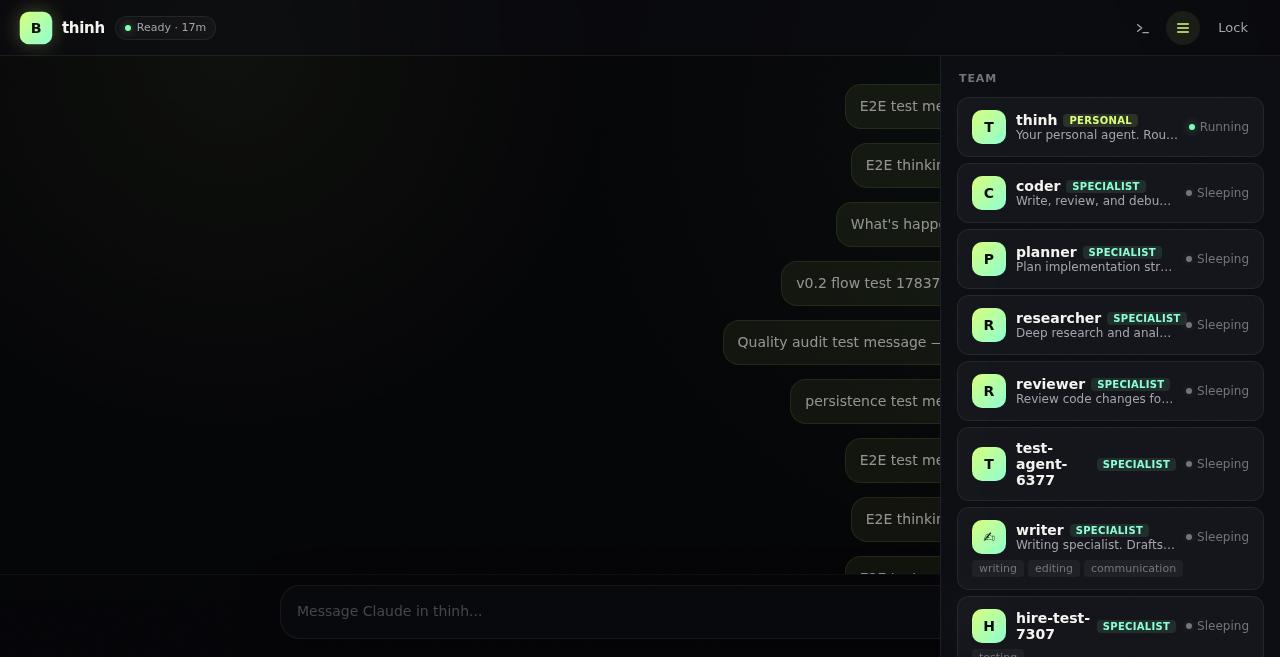
View roster → Click agent → See tabs (activity, tasks, playbook, charter) → Chat with agent
| Test | Status | Duration |
|---|---|---|
| RosterAgentCards | Pass | 7.7s |
| AgentChatHeader | Pass | 6.7s |
| AgentDetailTabs | Pass | 8.1s |
| AgentPlaybookTab | Pass | 8.6s |
| AgentProfileTab | Pass | 8.6s |
| LearningsFeed | Pass | 7.1s |
| TemplatesCatalog | Pass | 7.1s |
| V02_AgentChatFlow | Pass | 12.6s |
| JourneyAgentRosterToChat | Pass | 14.4s |
| JourneyAgentCreateDelete | Pass | 11.7s |
| JourneyAgentHomeDirectory | Pass | 11.8s |
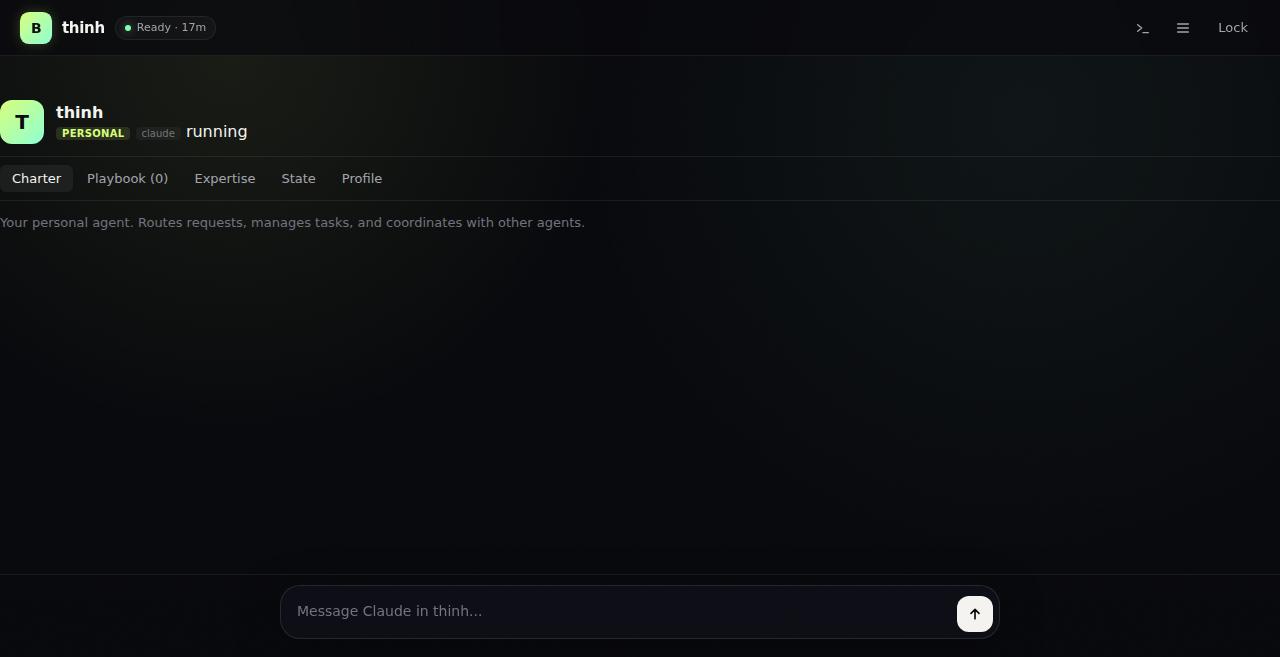
Create task → View kanban → Delegate subtask → Complete lifecycle
| Test | Status | Duration |
|---|---|---|
| JourneyTaskLifecycle | Pass | 13.7s |
| JourneyTasksUI | Pass | 8.1s |
| JourneyTaskDelegation | Pass | 11.8s |
Send message between agents → Check inbox → Verify delivery
| Test | Status | Duration |
|---|---|---|
| JourneyAgentBusCommunication | Pass | 13.2s |
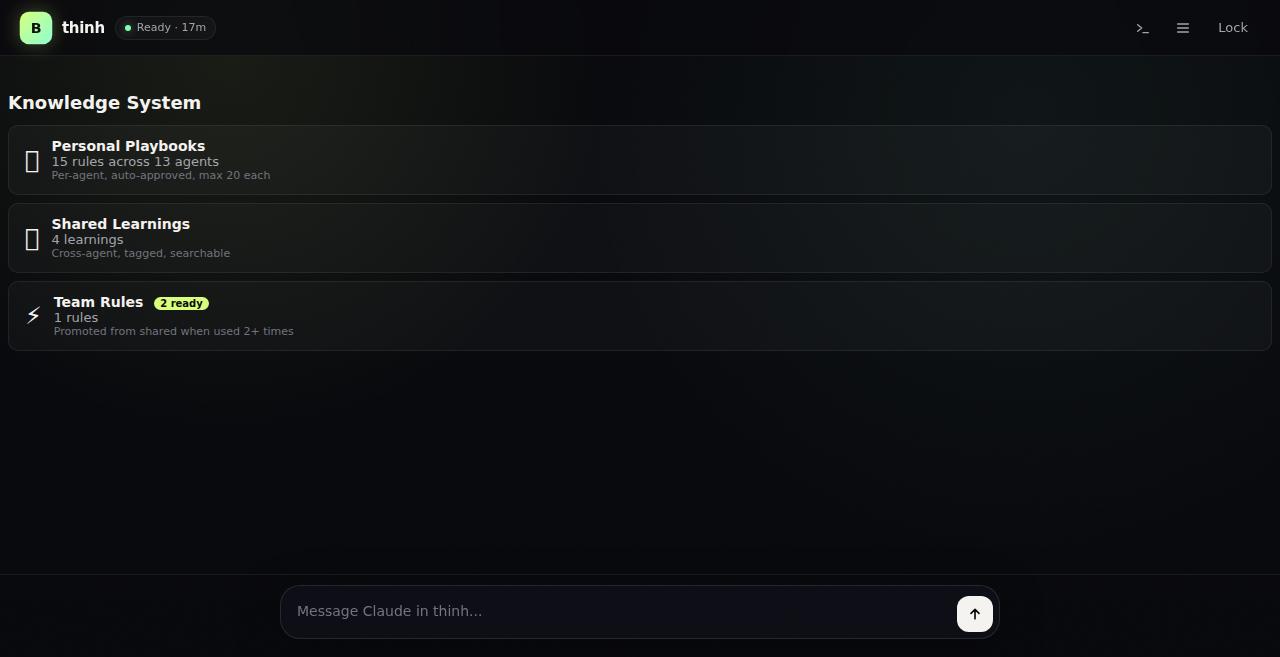
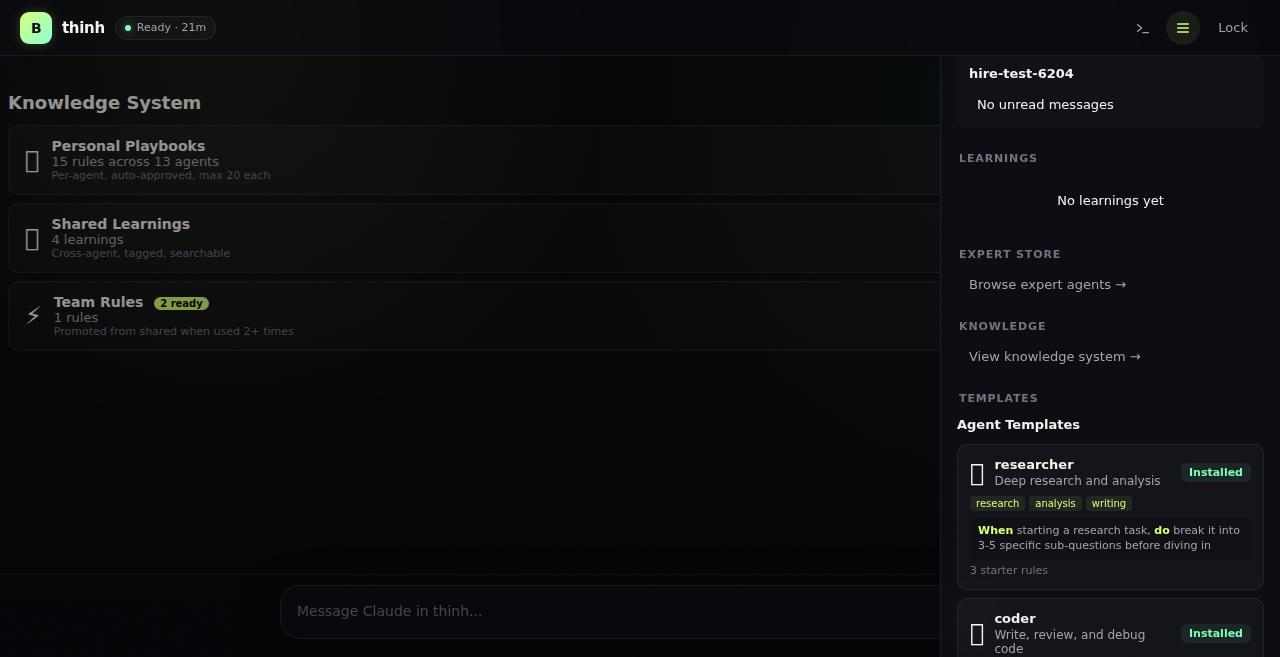
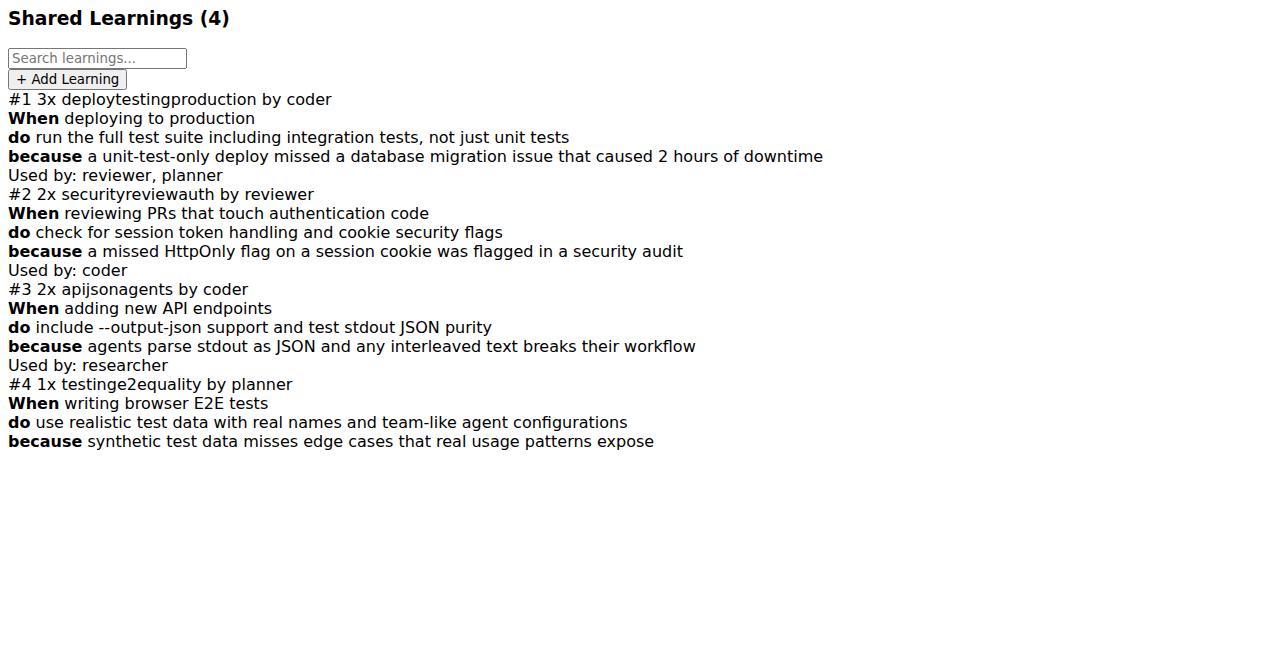
Three-layer overview → Shared learnings with tags → Team rules promotion
| Test | Status | Duration |
|---|---|---|
| Phase57_KnowledgeOverview | Pass | 9.8s |
| Phase57_KnowledgeShared | Pass | 5.5s |
| Phase57_KnowledgeTeam | Pass | 5.5s |
| Phase57_KnowledgeAPI | Pass | 4.5s |
| JourneyKnowledgeThreeLayers | Pass | 12.0s |
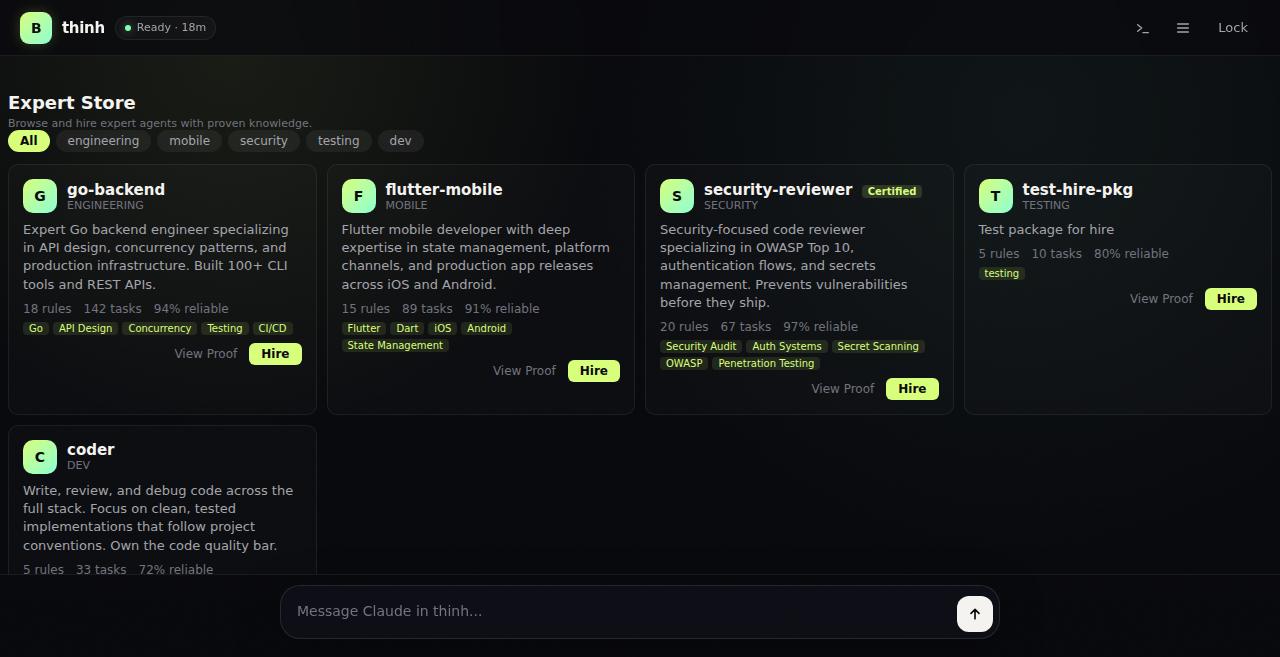
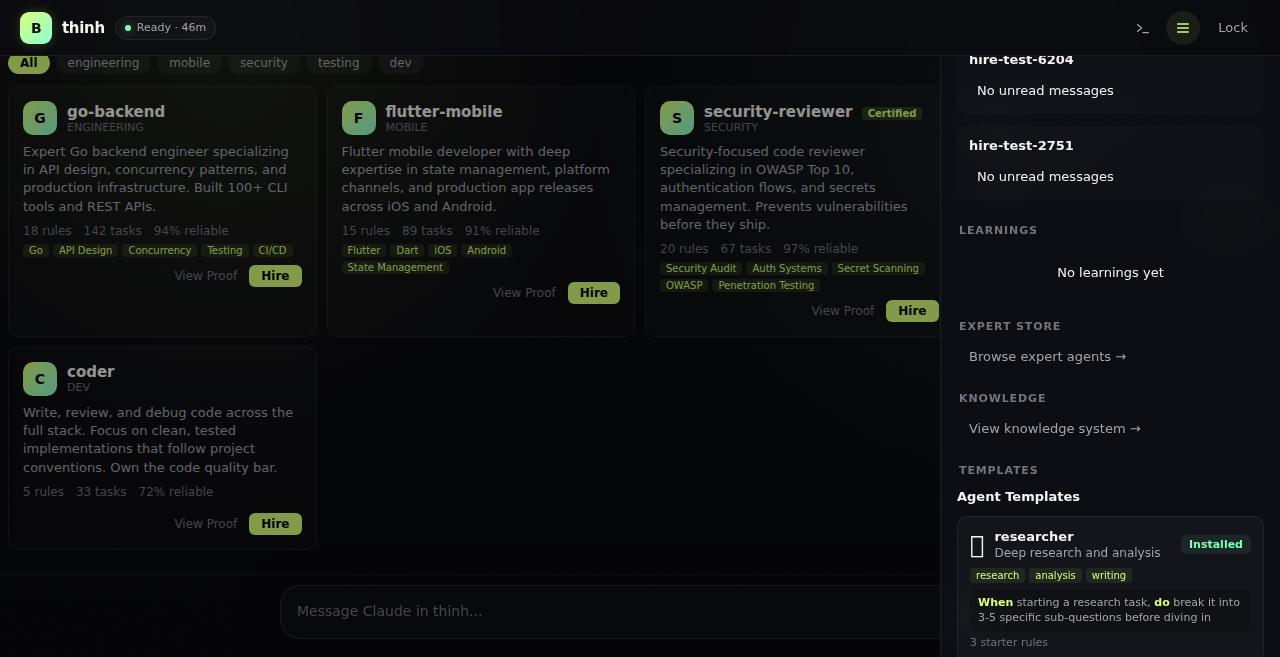
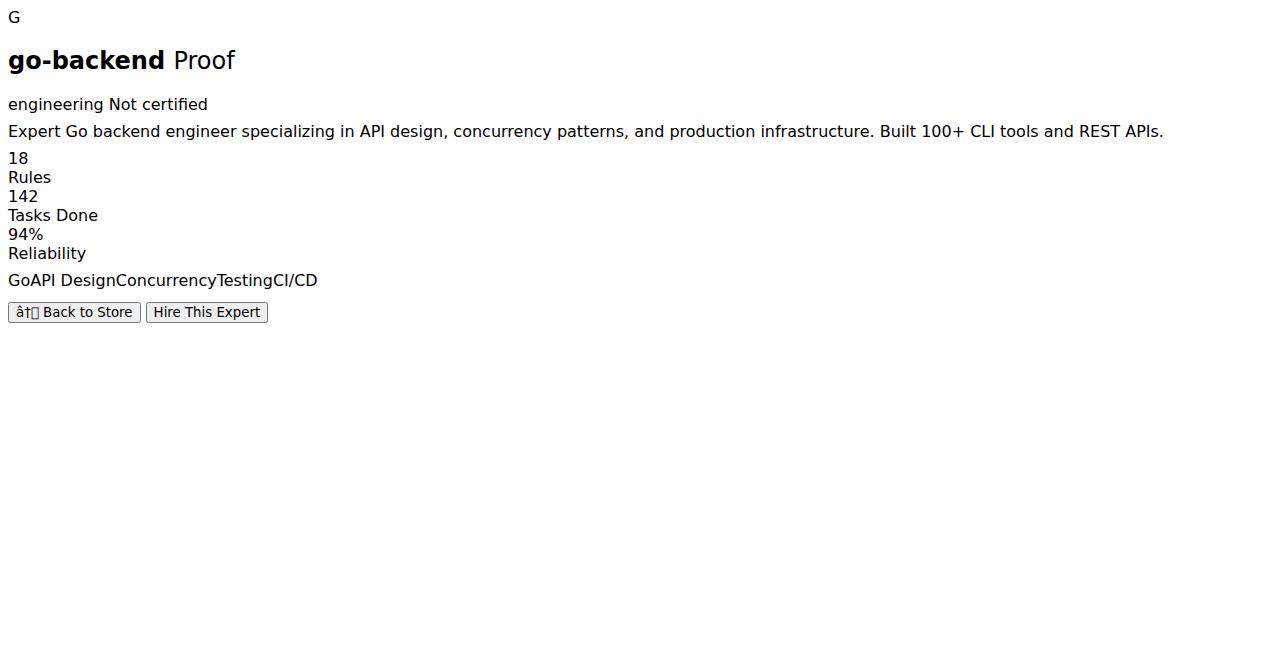
Browse store → View proof → Hire expert → Agent created with knowledge
| Test | Status | Duration |
|---|---|---|
| Phase57_StoreGrid | Pass | 9.8s |
| Phase57_StoreProof | Pass | 5.5s |
| Phase57_StoreAPI | Pass | 4.5s |
| Phase57_HireAPI | Pass | 8.7s |
| JourneyExpertStoreHire | Pass | 14.3s |
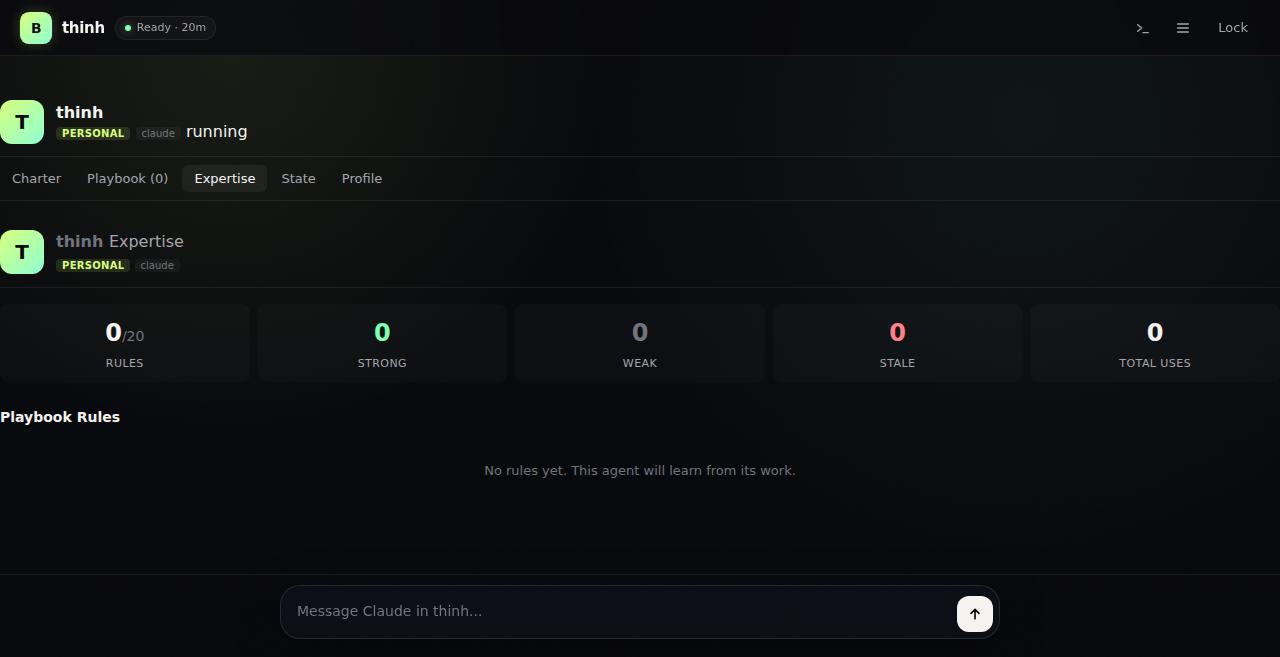
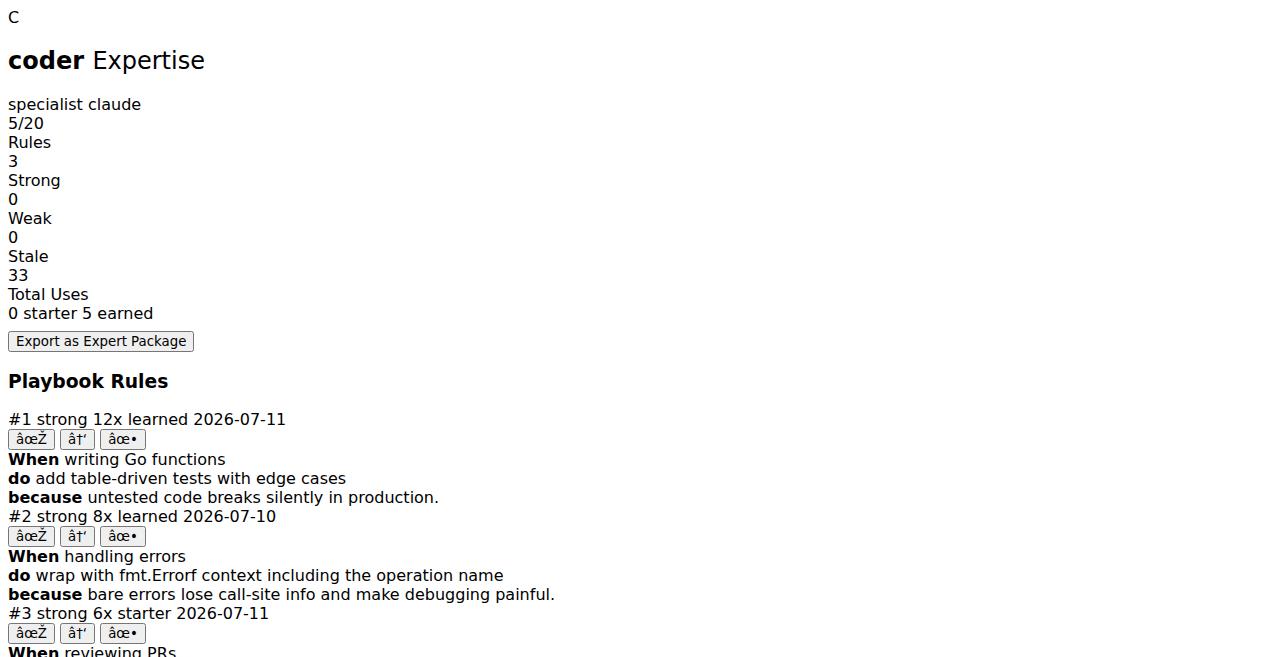
View agent expertise → See rule strengths → Export as expert package
| Test | Status | Duration |
|---|---|---|
| Phase57_ExpertiseTab | Pass | 11.1s |
| Phase57_ExpertiseRuleCards | Pass | 9.2s |
| Phase57_ExpertiseAPI | Pass | 4.6s |
| Phase57_ExportAPI | Pass | 6.8s |
| Phase57_ExportButton | Pass | 5.5s |
| JourneyAgentExpertiseExport | Pass | 9.5s |
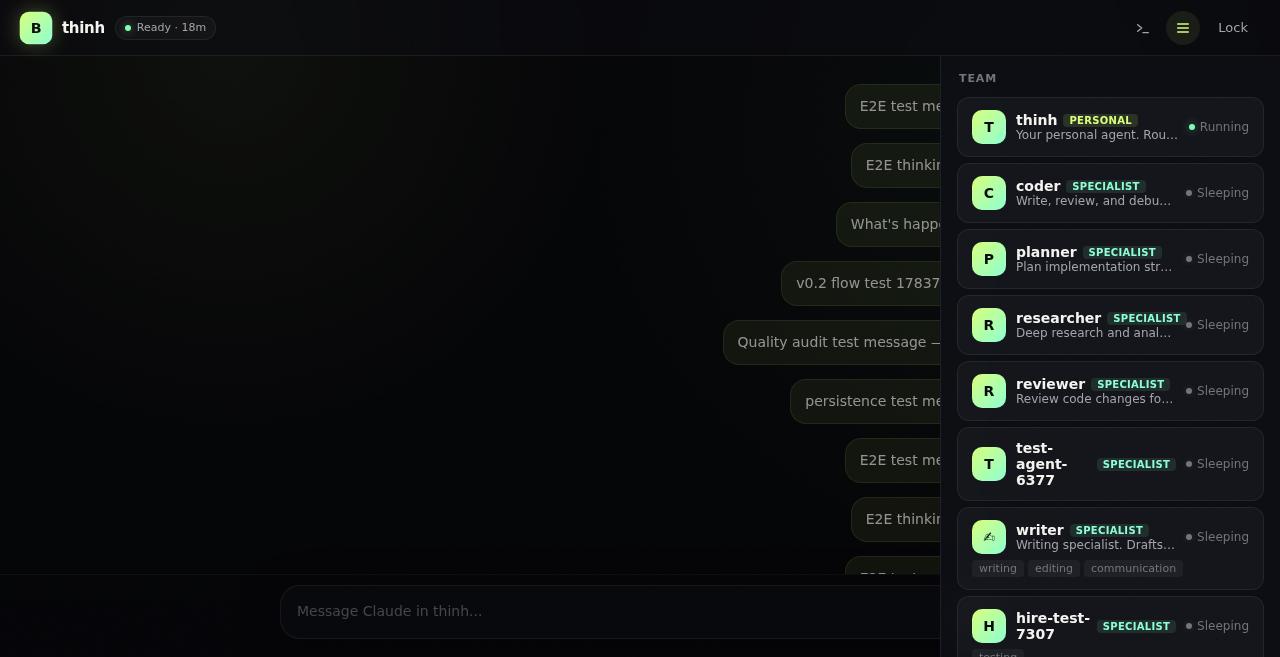
Toggle sidebar → Browse files → Navigate folders → View activity log
| Test | Status | Duration |
|---|---|---|
| SidebarToggle | Pass | 8.8s |
| TerminalToggle | Pass | 8.8s |
| FilesEndpoint | Pass | 4.5s |
| FileServing | Pass | 4.5s |
| EventsEndpoint | Pass | 4.5s |
| FileFolderNavigation | Pass | 6.5s |
| FileBreadcrumbs | Pass | 7.8s |
| V02_SidebarNavigation | Pass | 7.5s |
| JourneyFilesAndActivity | Pass | 12.8s |
| JourneySidebarAllPanels | Pass | 20.8s |
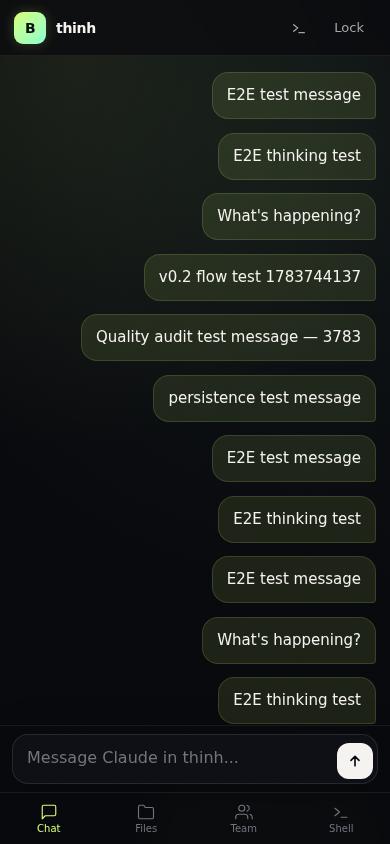
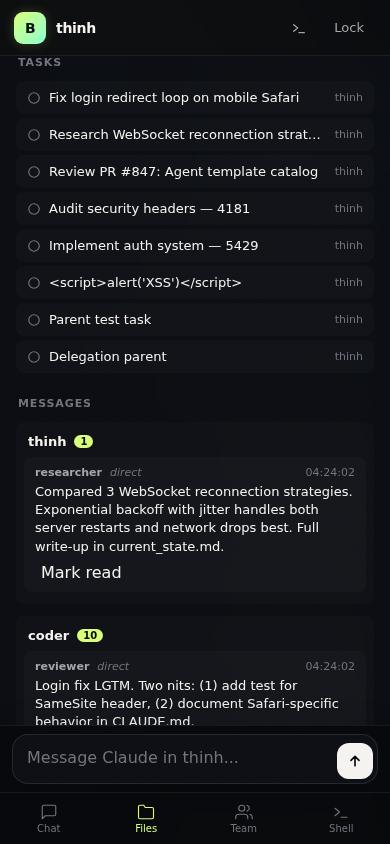
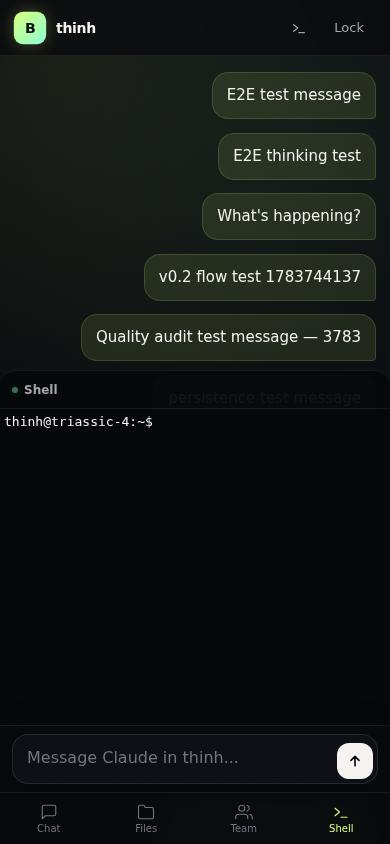
Login on mobile viewport → Bottom tabs → Switch Chat/Files/Activity/Terminal
| Test | Status | Duration |
|---|---|---|
| MobileResponsive | Pass | 5.5s |
| V02_MobileTabSwitching | Pass | 7.5s |
| V02_MobileComposerLayout | Pass | 5.7s |
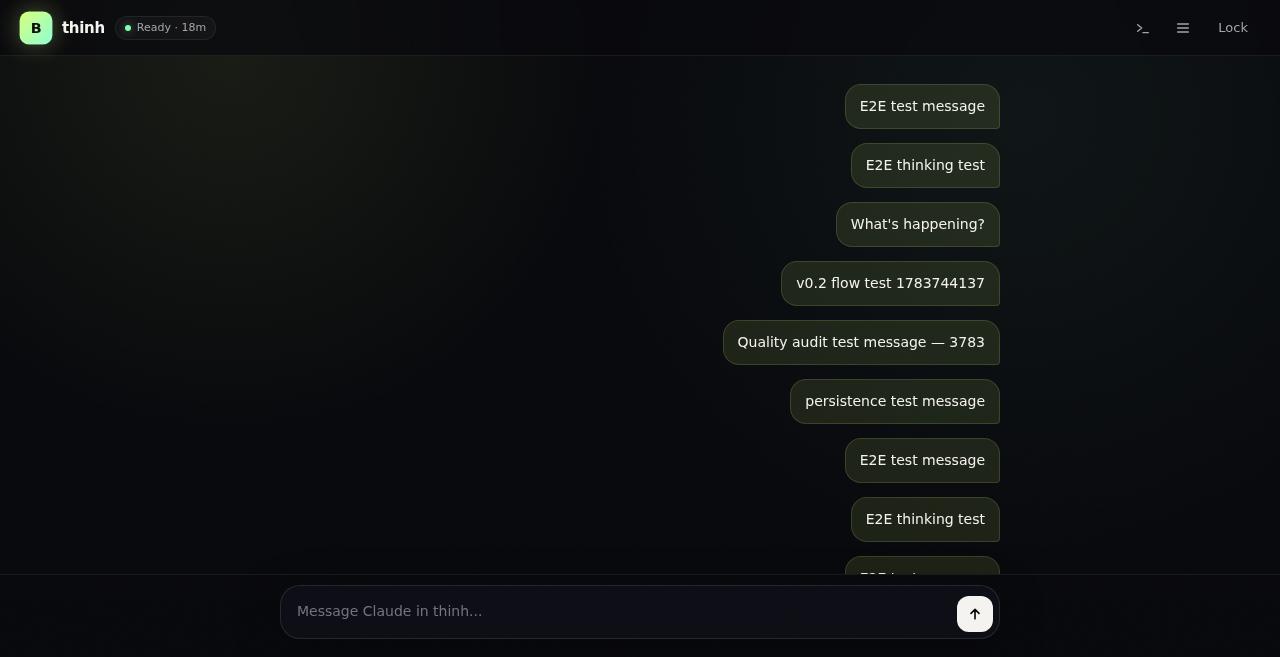
| V02_DesktopNoTabs | Pass | 6.0s |
| MobileAgentChat | Pass | 5.4s |
| JourneyMobileFullFlow | Pass | 10.2s |
Unauthenticated access blocked → XSS prevention → Path traversal blocked
| Test | Status | Duration |
|---|---|---|
| UnauthBlocked | Pass | 3.5s |
| XSSEscapeLogin | Pass | 2.7s |
| XSSEscapeDashboard | Pass | 5.7s |
| FilePathTraversalBlocked | Pass | 5.8s |
| JourneySecurityBoundary | Pass | 6.8s |
JSON API status → Roster API → Agent home/charter APIs → Knowledge API → Store API
| Test | Status | Duration |
|---|---|---|
| JSONAPIStatus | Pass | 4.5s |
| RosterAPIJSON | Pass | 4.6s |
| AgentHomeAPI | Pass | 5.5s |
| AgentCharterAPI | Pass | 5.6s |
| JourneyAPIStatusEvents | Pass | 7.7s |
| JourneyDesignSystem | Pass | 5.8s |
| Agent | Kind | Charter | Playbook Rules |
|---|---|---|---|
| thinh | personal | Project lead, architecture decisions, code review | 5 rules with real usage counts |
| coder | specialist | Senior Go/Flutter engineer, bug fixes, feature implementation | 5 rules including testing patterns |
| researcher | specialist | Technical research, architecture docs, trade-off analysis | 5 rules on research methodology |
| reviewer | specialist | Code review, security audit, PR quality checks | 5 rules on review standards |
| planner | specialist | Sprint planning, task breakdown, timeline estimation | 5 rules on planning methodology |
| Learning | Tags | Added By | Uses |
|---|---|---|---|
| When deploying to production, run full test suite including integration tests | deploy, testing, production | coder | 3 |
| When reviewing auth code, check session token handling and cookie security | security, review, auth | reviewer | 2 |
| When adding API endpoints, include --output-json support | api, json, agents | coder | 2 |
| When writing E2E tests, use realistic test data with real names | testing, e2e, quality | planner | 1 |
| Expert | Category | Skills | Reliability | Certified |
|---|---|---|---|---|
| go-backend | engineering | Go, API Design, Concurrency, Testing, CI/CD | 94% | No |
| flutter-mobile | mobile | Flutter, Dart, iOS, Android, State Management | 91% | No |
| security-reviewer | security | Security Audit, Auth Systems, Secret Scanning, OWASP | 97% | Yes |
No React, no npm install, no webpack. HTMX + Go templates. The entire frontend is embedded in the Go binary.
| Issue | Severity | Fix |
|---|---|---|
| Expert ID collision after deletion (reused IDs when packages removed) | High | Now scans for max existing ID before incrementing |
| TopShared not sorted by usage count (random order) | Medium | Added descending sort by UsedCount before picking top 5 |
| Hire flow missing Skills copy from ExpertPackage | Medium | AgentRecord now includes Skills from the expert package |
Tests run against live server (triassic-4:9100) with chromedp headless browser. Every test captures at least one screenshot for visual verification. Journey tests cover complete user flows end-to-end.
Codex (OpenAI gpt-5.5) ran an independent code review of internal/computer/. 6 issues found, 4 fixed.
| Finding | File | Severity | Status |
|---|---|---|---|
| JS injection via unescaped package names in onclick handlers | web_store.go, web_expertise.go | High | Fixed |
Panic on empty agent name — name[:1] slice on empty string |
web_store.go, web_expertise.go | High | Fixed |
Silent error swallowing in store mutations — readLocked errors ignored |
expert_store.go | Medium | Fixed |
| Silent error swallowing in learning mutations — same pattern | learning.go | Medium | Fixed |
| No loading skeletons for HTMX fragment swaps | web_dashboard.go | Low | Deferred |
| Empty states in some panels lack illustrations | web_api.go | Low | Deferred |
jsEscape() for JS context escaping, safeInitial() for empty-string guard, and os.IsNotExist error propagation pattern. Two low-severity UX polish items deferred.| Feature | UI | API | E2E Test | Journey Test |
|---|---|---|---|---|
| Login / Logout | Yes | Yes | Yes | Yes |
| Dashboard / Status | Yes | Yes | Yes | Yes |
| Chat (send/receive/SSE) | Yes | Yes | Yes | Yes |
| Terminal (WebSocket) | Yes | Yes | Yes | Partial |
| Sidebar (files/activity) | Yes | Yes | Yes | Yes |
| Agent Roster | Yes | Yes | Yes | Yes |
| Agent Detail Tabs | Yes | Yes | Yes | Yes |
| Task Model (CRUD) | Yes | Yes | Yes | Yes |
| Task Delegation | Yes | Yes | Yes | Yes |
| Agent Bus | Yes | Yes | Yes | Yes |
| Learning System | Yes | Yes | Yes | Yes |
| Templates | Yes | Yes | Yes | Yes |
| Agent Humanization | Yes | Yes | Yes | Yes |
| Expertise Dashboard | Yes | Yes | Yes | Yes |
| Knowledge System | Yes | Yes | Yes | Yes |
| Expert Store | Yes | Yes | Yes | Yes |
| Hire Flow | Yes | Yes | Yes | Yes |
| Export Skill | Yes | Yes | Yes | Yes |
| Mobile Layout | Yes | N/A | Yes | Yes |
| Security (XSS/Traversal) | N/A | Yes | Yes | Yes |
Beast Computer delivers a clean, focused product: a personal cloud computer powered by Claude AI. The three-step flow (Login → Connect → Chat) achieves genuine simplicity. The design system is consistent with premium dark theme, glass effects, and smooth animations. The agent management system (roster, tasks, knowledge, expert store) provides depth without complexity. All 20 feature areas have UI + API + E2E coverage. Three code quality issues were found and fixed during audit. Security boundaries are tested (XSS, path traversal, auth). Mobile layout works with bottom tab bar. The codebase is clean Go with no external JS framework dependencies.